

How to disable the sidebar in WordPress? [STEP BY STEP]☑️
Today I will show you how to disable sidebars in WordPress using the full width mode layout. It is a built-in method and does not require any additional plugins.
Follow the steps to disable the sidebar in WordPress:
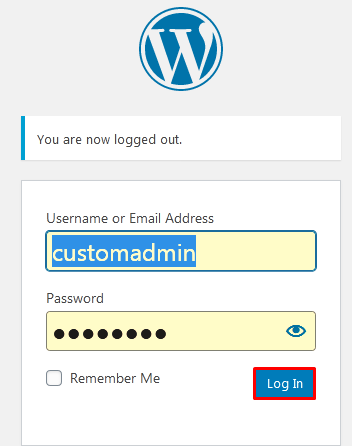
Step::1 Login to your WordPress admin panel
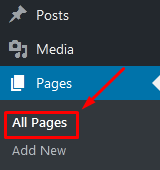
Step::2 Go to Pages and select the All Pages option
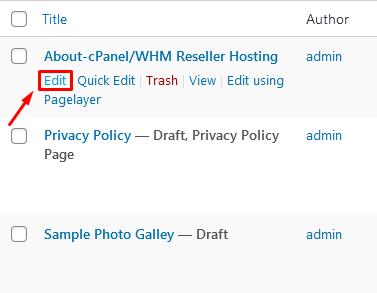
Step::3 Now click over the Edit button under Existing page
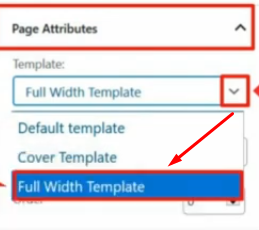
Step::4 On the right-hand side under “Page Attributes” click on the Template drop-down and select the Full-width Layout option.
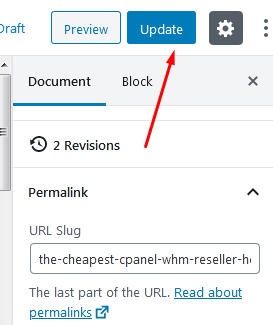
Step::5 Finally click over Update button.
Repeat these steps on every page and you will remove the sidebars on every page if that is your goal.
Congratulations, you have successfully learned how to easily remove sidebars in WordPress.
Thanks for Reading this article
The End! should you have any inquiries, we encourage you to reach out to the Vercaa Support Center without hesitation.
