

This function allows you to see the bandwidth usage for your site. It shows the current month’s bandwidth usage, as well as your total bandwidth usage.
This will include all HTTP (web) and POP (mail) bandwidth usage, and may include FTP bandwidth usage, if your system administrator has enabled FTP bandwidth logging.
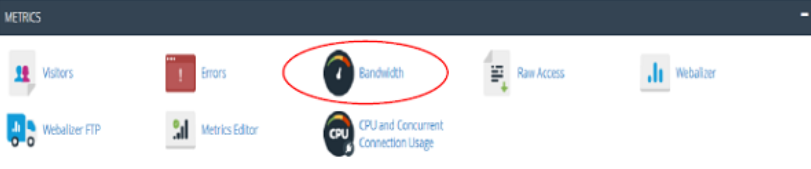
Click the Bandwidth icon and it will take you to an interface. Here, in this interface, you are provided with the monthly bandwidth transfer and represented in form of graphs. This graph is able to display the bandwidth consumed by HTTP, FTP services. This is available in three forms – past 24 hours, past week, past year.
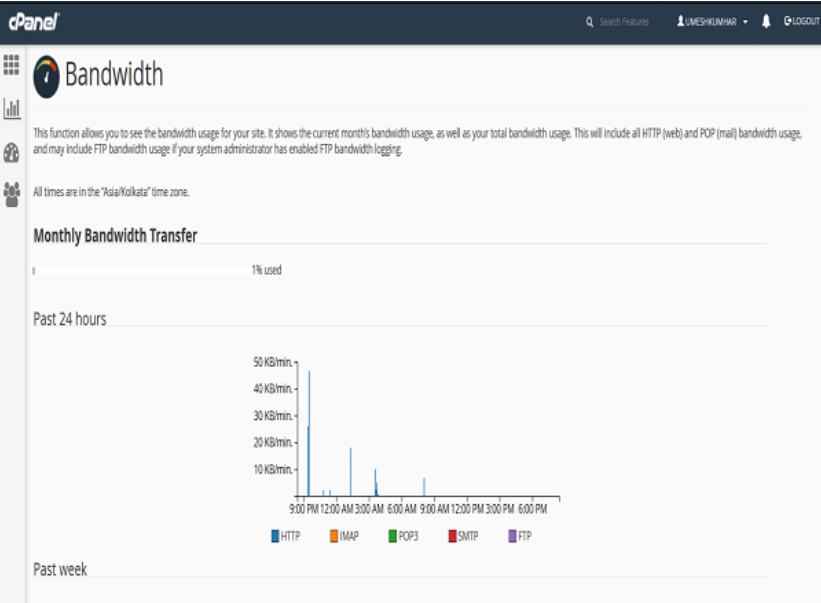
Also, this representation is in the form of pie charts that is on a monthly basis. This data is beneficial to get an idea about the traffic coming in to that domain.
The End! should you have any inquiries, we encourage you to reach out to the Vercaa Support Center without hesitation.
