

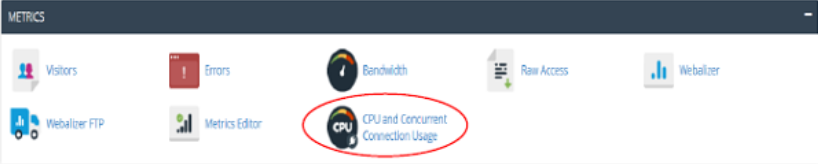
To access your CPU and Concurrent connection usage, click CPU and Concurrent Connection usage under Metrics section of the cPanel home.
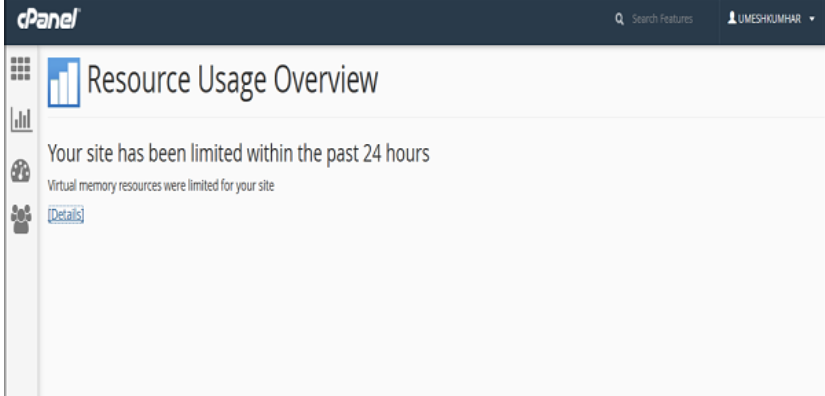
This is the interface of resource usage overview −
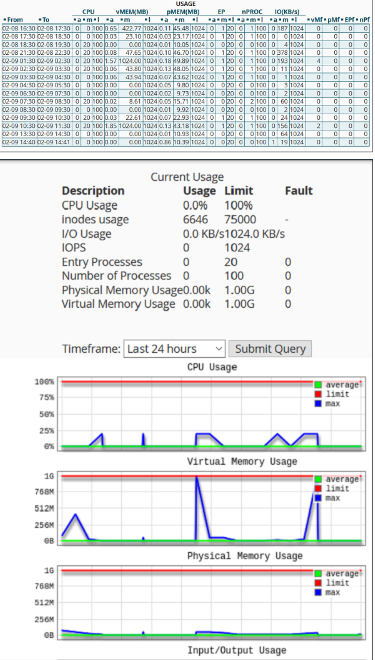
How virtual memory resources are utilizing is represented in the form of graphs and tabular data. The CPU usage with the utilization of the memories. The number of processes taking place with their usage, limit and fault data values. The input/output usage, processors, physical memory, virtual memory, processes and faults are represented as per their usage limits.
The End! should you have any inquiries, we encourage you to reach out to the Vercaa Support Center without hesitation.
